

Branding, Production
Some things move too slowly to make their point on camera. Timelapse lets you show the change: a room filling, an event taking shape or a building going up. The trick is knowing what to capture, and when to stop.
An empty room becomes an event. A patch of ground becomes a building. The sun moves across a city while the traffic gets on with its day. Timelapse makes those gradual changes visible, which is why it’s so satisfying to watch.
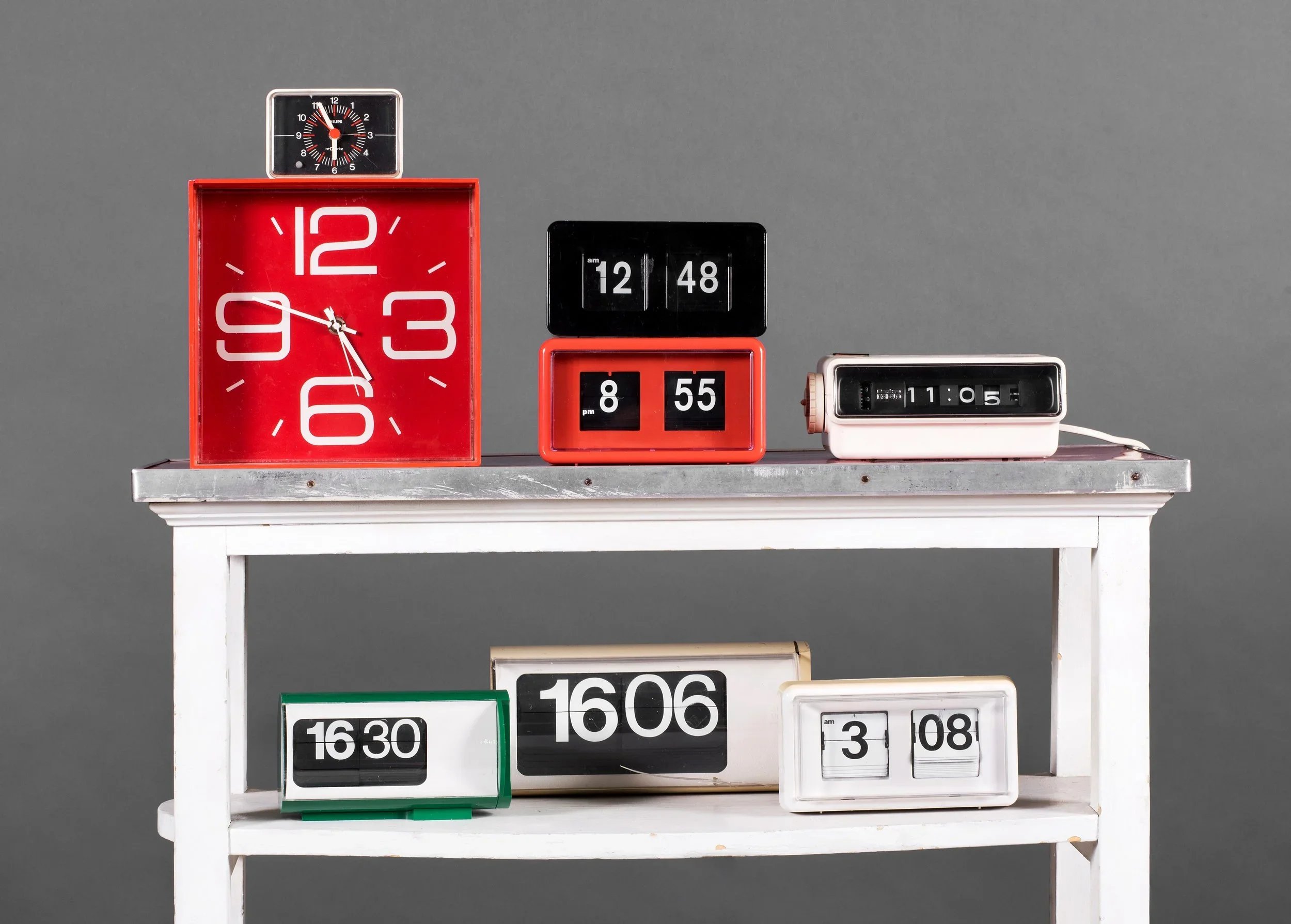
Hours in real time, seconds on screen: that is the appeal of timelapse.
The basic idea is simple: take photographs at regular intervals, then play them back as a video. Something that took hours can unfold in seconds. The harder part is choosing a sequence that tells you something, rather than just proving that time has passed.
Choose a change worth waiting for
Start with what the sequence needs to show. An event build can explain the work behind the finished room. A moving sky can establish a location. A construction timelapse can show progress that would be difficult to follow from a few isolated photographs.
Think about the start and finish as well as the view. If the important change happens outside your frame, a very patient camera won’t help. Check how people, vehicles and equipment will move through the shot, and how the light is likely to change.
The interval between photographs sets the pace. Fast-moving activity generally needs a shorter gap than something developing over days. Work backwards from the length of sequence you want in the edit, and leave enough time to capture the change. A quick test is much cheaper than finding out afterwards that the interesting bit took place between two frames.
Give the camera a chance
A phone can be useful for a quick sequence. A camera with suitable interval controls gives you more choices over lenses, exposure and the files you’ll edit. Pick the setup for the job, including how long it needs to run.
For a fixed shot, use a stable mount and leave the camera alone. Check power and storage before you start. If it’s outdoors, plan for the weather and choose equipment that suits the conditions. The camera has a long shift ahead of it.
Consistency matters. Unplanned changes in focus or white balance can make the finished sequence jump around. Manual control can help when conditions are steady, but a sunset or a day-to-night shot needs a considered way to handle changing exposure. One locked setting won’t suit every scene.
Make the sequence earn its place in the edit
Once the frames are assembled, check the movement, brightness and colour. Tools such as LRTimelapse can help smooth exposure changes and reduce flicker. A consistent grade helps the sequence sit with the rest of the film.
Then decide how much of it the viewer needs. A short burst might be enough to move an event film from setup to opening. A longer sequence may suit a build with several clear stages. Keep the changes that matter and trim the stretches where very little happens.
Timelapse works because it lets you see something you’d usually miss. Use it to give a film that perspective, and it becomes much more useful than a pretty shot of busy clouds.
Planning an event or a project that changes over time? Talk to Ace Media before the work starts, so we can work out where a timelapse will add something.
<- ALL UPDATES