

Production, Post Production
Some ideas are awkward to film. Animation lets you show a process, explain an unfamiliar service or put a product's inner workings on screen. The trick is deciding what the movement needs to explain before you get carried away making everything move.
Sometimes the interesting part of a product happens inside a machine. Sometimes your service is a process rather than a thing you can point a camera at. You can spend a long time finding footage for that, or start thinking about animation.
Animation gives you control over what appears on screen and how it changes. You can draw attention to a small detail, move through a sequence or use a visual metaphor to explain an idea. It’s useful when the viewer needs to see something that would be awkward to film.
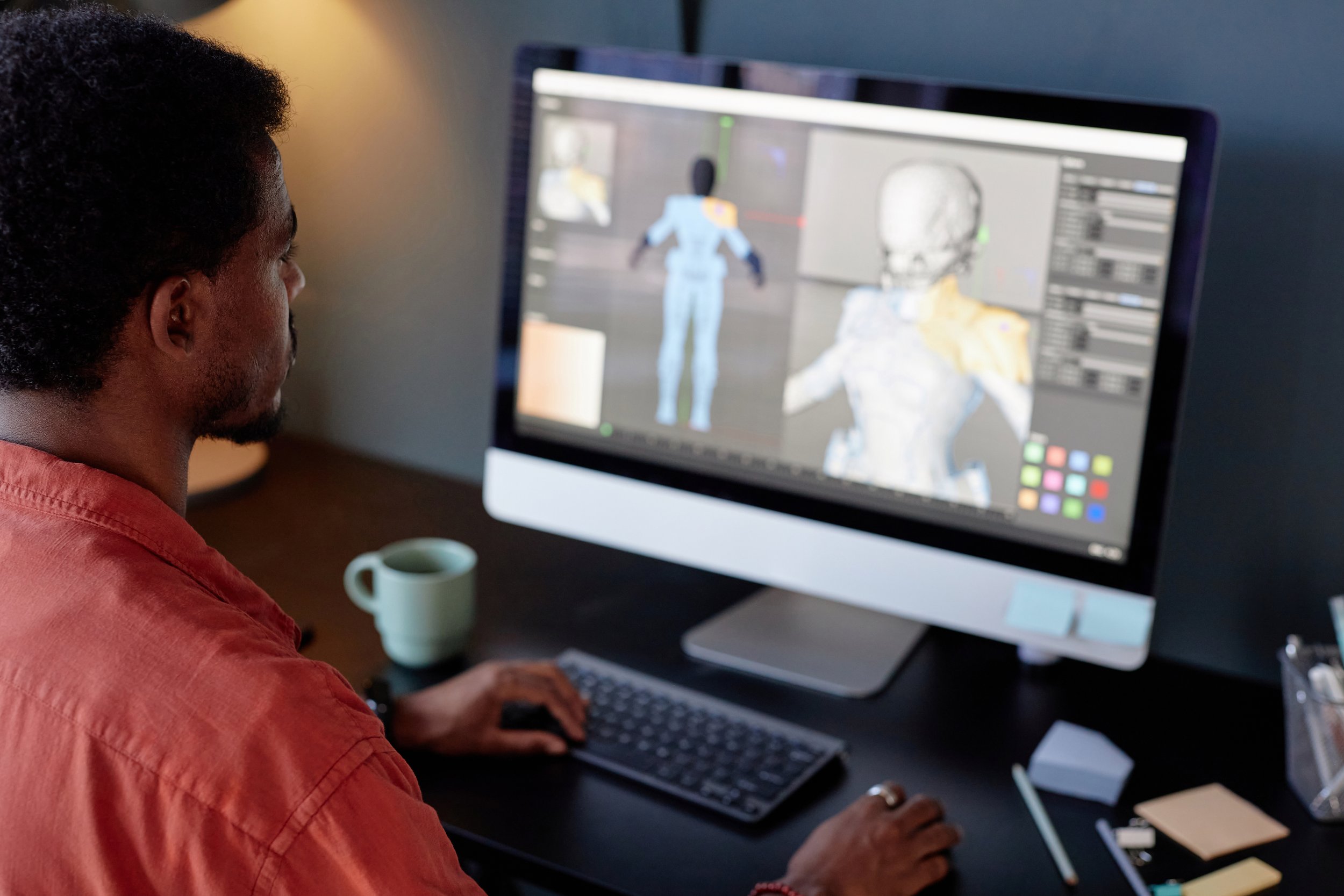
Build the scene around what needs explaining, then give the movement a job to do.
Show the bit a camera can’t reach
An animated diagram can follow a process one stage at a time. A cutaway can reveal what’s inside a product. For an unfamiliar service, a simple visual example can give the explanation something concrete to refer to.
Keep the amount of information manageable. If everything moves at once, the viewer still has to work out where to look. Decide what matters in each scene, and give them time to follow it. A complex subject doesn’t require a crowded screen.
Make it feel like your brand
Your existing identity gives the design somewhere to start. Use its colours and typography thoughtfully, and choose an illustration style that suits the business. The way things move can also affect the tone: a playful bounce will feel different from a measured transition.
That doesn’t mean putting the logo in every scene. Look for a consistent visual approach that carries through the whole piece. A viewer should be able to follow the explanation without being repeatedly interrupted by the branding.
Plan for the versions you’ll need
An animation may be used on your website, in a presentation or on a screen at an event. Social versions may need a different frame shape or a shorter edit. Agree those uses early, so the design leaves room for the adaptations.
Some changes can be made without a reshoot, which is useful when information needs updating. The amount of work depends on what changes. Rewriting the voiceover or adding a new scene can affect the timing of the whole film. Keep that in mind when planning the budget and the lifespan of the content.
Get the script and the sequence of scenes working before spending time on the finished animation. Check the details while they’re still easy to change. Then use motion and sound to guide the viewer through the idea.
Give the viewer a clear next step, whether that’s exploring a service or getting in touch. Bring Ace Media the idea you’re struggling to show, and we’ll work through how to put it on screen.
<- ALL UPDATES